10 Tips to
Reduce Task Duration

In our ongoing mission to make our clients’ experience even better, we’re committed to making things simpler and quicker for everyone involved. With this in mind, we’ve put together a list of ten practical strategies to help us work smarter not harder. By giving these ideas a try, we’re not just aiming to step up our game – we’re making sure our clients enjoy an even smoother, faster journey with us.

Leverage the SLX Major Task Manager:
Keep your complex projects on course with our reliable task manager. Break down each project into manageable, bite-sized tasks to ensure smoother progress. By estimating task durations and identifying stakeholder requirements, you’ll gain a clear understanding of project timelines and resource needs.
Minimize Revisions:
Prior to sending design proofs to clients, PCs should dedicate a minute or two to review them thoroughly. As a PC, this step is crucial for catching any missed revisions or discrepancies in design quality that may not meet the client’s expectations. Proactive review significantly reduces the need for revisions and minimizes back-and-forth communication between the client and our team. Don’t hesitate to delay sending a proof to the client if it means avoiding the presentation of flawed work.
Offer Multiple Design Options to Clients:
In situations where clients find themselves torn between two concepts or are keen on maintaining their established branding, ACs can strategically request multiple design options. This not only empowers clients to select from fresh, innovative designs but also provides them with insight into the full extent of our team’s capabilities. We can also ask the design team to utilize DEX to help explain why one variation might be better than another. Don’t hesitate to request DEX insights on any design proof!
Utilize Loom for Explanations:
If a task appears too complex to explain in writing, leverage Loom to provide clear instructions to our internal team. Similarly, when updating clients, record a brief Loom video if you’re pressed for time or if the update is too extensive to convey through written communication.
Prompt Internal Team Members for Updates:
If you find yourself waiting too long for an update from a team member, don’t hesitate to ping them via Google Chat. Request to schedule a call to ensure you receive the most up-to-date details on the project. If you still haven’t received a response after a day, reach out to your Team Lead for assistance.
Leverage Group Chats for Quick Assistance:
Feel free to pose questions in the Get Down to Business Chat. Other team members may have the answers you’re seeking. In case of a genuine emergency, utilize Hands on Deck for immediate assistance. Examples of emergencies include dealing with a frantic client on a check-in call, addressing broken WordPress links, or handling other major issues.
Accelerate Email Creation Using Templates:
Templates offer a time-saving solution for email creation. By utilizing templates, our design team avoids the need to begin from square one. Typically, designers can easily update the email’s copy and imagery, streamlining the process. Before assigning email tasks to the internal team, it’s advisable for the AC or PC to review previous Asana projects or existing Account Engagement email templates. This ensures that our team can leverage templates ready for use rather than starting emails from scratch.
Understand Client Design Requests:
As an AC, it’s crucial to thoroughly grasp the client’s request before forwarding it to a PC. Engage in detailed discussions with the client about their email design needs, clarifying the objectives and openness to design suggestions from our team. Take the initiative to delve into their Account Engagement history to gain insights from past emails, or explore examples from reputable sources like https://reallygoodemails.com/ to better understand the client’s preferences and expectations.
Provide Comprehensive Task References:
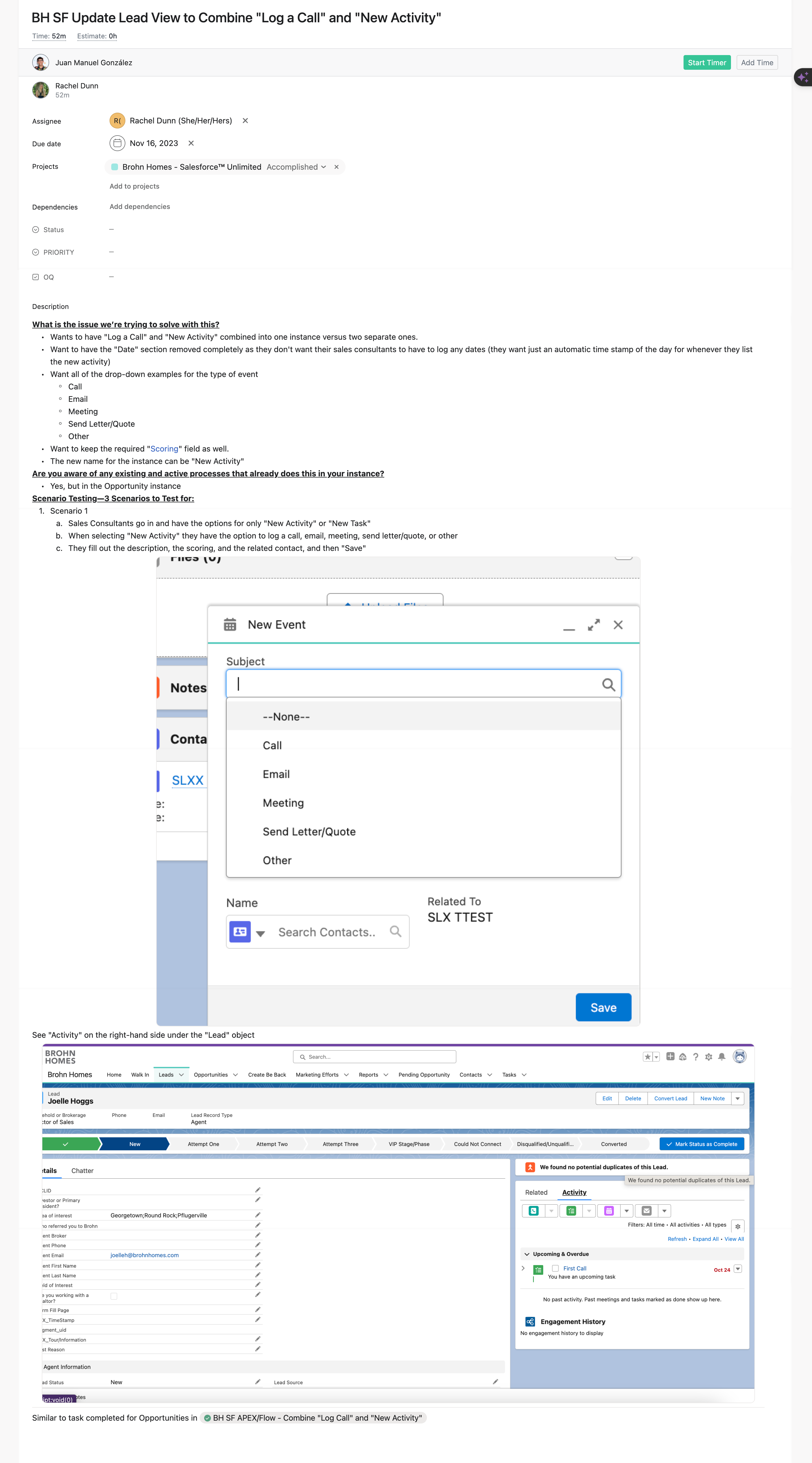
Sparing a few extra moments to compile quick links to assets or references within task descriptions significantly aids our internal team in swiftly navigating requests, hence reducing task duration. For email tasks, ensure the inclusion of email references or past FigJam links. Likewise, for landing pages, provide both the Account Engagement Form Link and Live Link. It’s imperative to consistently update these links whenever changes are made or emails are sent. Additionally, supplement the task description with screenshots, using arrows and text boxes to highlight and precisely explain the desired outcomes for the team.

Utilize Scheduled Team Calls:
Don’t hesitate to ask questions about tasks – there are no dumb questions! Take advantage of opportunities such as the morning Team Huddles, team members’ open office hours, or the AC/PC Team Huddles to gather the information you need.