


The design should speak the users’ language. Use words, phrases, and concepts familiar to the user, rather than internal jargon. Follow real-world conventions, making information appear in a natural and logical order.

We should follow consistency and standards throughout product design. Consistency is not only for colors and button styles, but it is also for the overall experience. Don’t let the users be confused by adding different kind of experiences on different task flows.

Users can see recently viewed items on the home screen. This reduces their cognitive load and makes them more likely to purchase an item.

The “Learn more” button avoids noise by reducing additional information for that block not necessary to showcase on the home page.
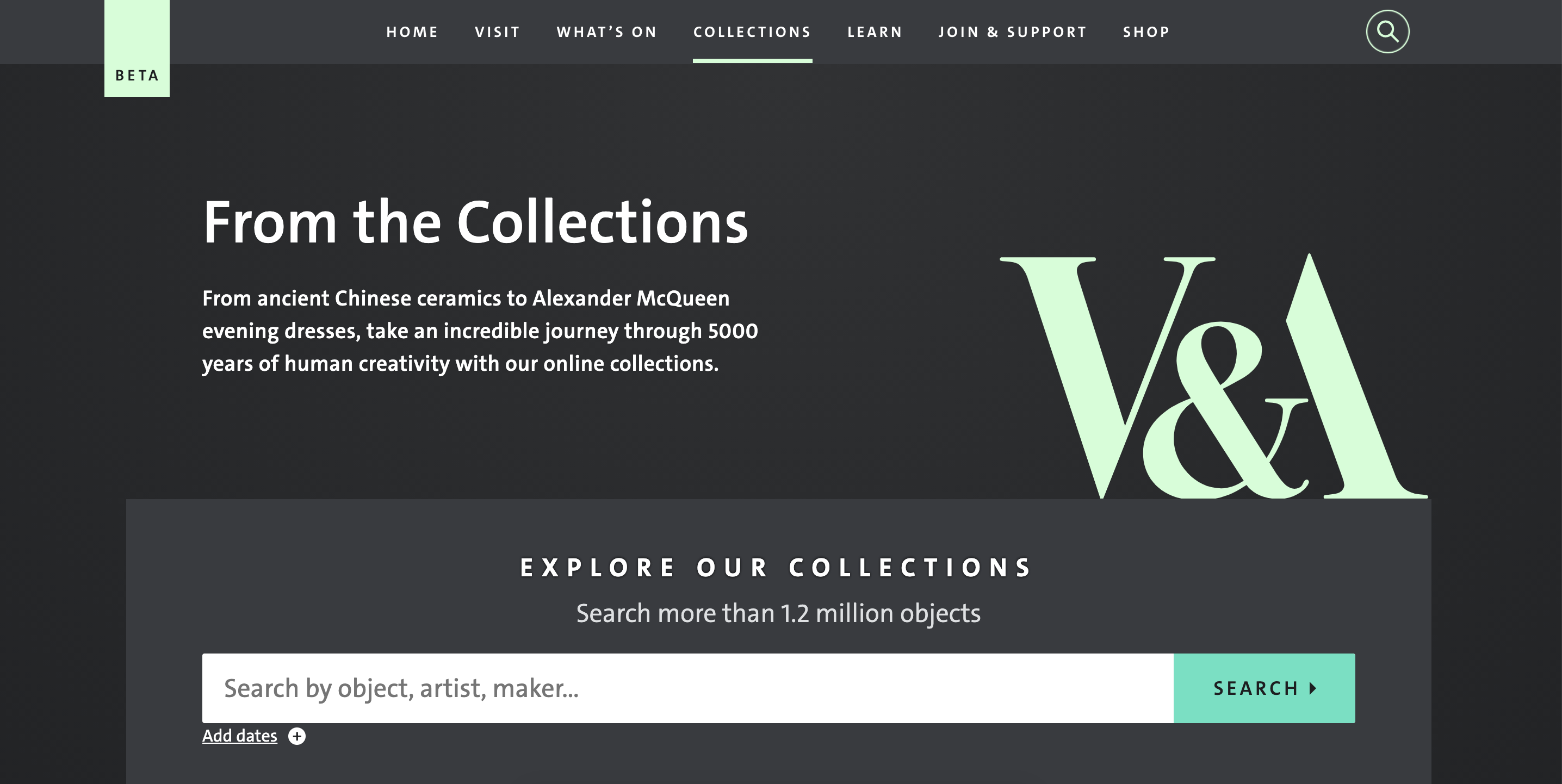
Navigation should be clearly labeled and signposted so that users understand where they are and where they can go to. If you want users to be able to access a landing page dedicated to Collections, then labeling that landing page “Collections” in the navigation bar makes it clear to the user what they can expect from clicking that link.

Your navigation is an opportunity to provide more relevant information to your users. If you navigate to a website that sells watches and their navigation menu has ‘products’ written in it, is that telling you anything? Not really. People don’t tend to search for ‘products’. It’s a broad, catch-all term. Be specific as possible, as shown here with the different types of watches available.

How do you identify the needs of your users? You ask questions. Questions, like the ones James Kalbach outlines in Designing Web Navigation:
By identifying the needs of your users, you’ll be able to create a navigation that helps them. Here is an example of a breadcrumb navigation helping users backtrack to less specific items.


